HTML Can Do That EST. VIEW-SOURCE 0 B of JS aboard

NOW SHOWING · THE PERMANENT COLLECTION

HTML can do that.

Welcome to the Museum of Native Elements — thirteen specimens that pop, dismiss, accordion, validate, reveal and lazy-load on markup alone. Everything behind the glass is alive. Everything is just HTML. The gift shop sells view-source.

13living exhibits
0scripts aboard
1markup language
free admission
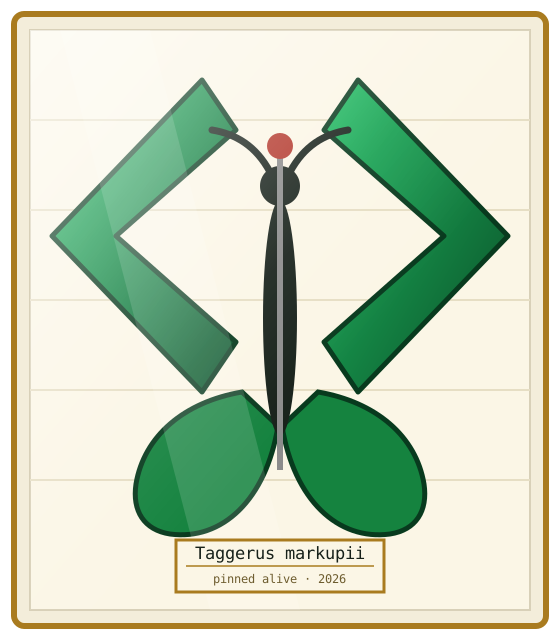
A pinned butterfly specimen in a museum case. Its wings are giant angle brackets. The label reads: Taggerus markupii — pinned alive.
SPECIMEN Nº 000 — captured alive in your tab

Gallery guide

Thirteen rooms, four wings, one basement we don’t talk about. Every specimen is the actual element — touch anything. It can take it.

WING A

The Top Layer

where z-index fears to tread

Nº 01

<dialog> The Velvet Rope

a modal that checks tickets ● alive

ACCESSION TPL-037 · HTML Living Standard · collected 2013, tamed 2022

A real modal — focus trapped, page behind it inert, ::backdrop dimming the whole gallery. Opened by an invoker button, closed by a plain <form method="dialog">, the Esc key, or the dimmed floor itself where closedby has landed.

  • invoke “Sound the rope” — watch the room dim
  • press Esc, or click the darkness outside
  • the pinned specimen stays on display even where invokers haven’t shipped

Field reports Baseline · widely available

Chrome 37+Edge 79+ Firefox 98+Safari 15.4+

caniuse: dialog →
The markup itself a <details>
<button command="show-modal" commandfor="rope"></button>
<dialog id="rope" closedby="any">
  <form method="dialog">
    <button>Admire & close</button>
  </form>
</dialog>

Specimen Nº 01 · top layer only

Beyond this rope: a modal

No showModal() was called. No addEventListener was harmed. The command attribute on the button did the opening; focus is trapped and the floor behind you is properly inert.

Esc closes it too · closedby="any" lets the dimmed floor dismiss it (Chrome 134+)

▌Pinned specimen — <dialog open> Even where invoker buttons haven’t shipped, the humble open attribute keeps a <dialog> on permanent non-modal display. No scripting. It just… sits there. Proudly.

The button carries no wires. commandfor points at the dialog by id — the browser does the rest.
Nº 02

popover The Quick-Change Artist

light-dismiss, top layer, zero wrangling ● alive

ACCESSION TPL-114 · HTML Living Standard · captured 2023

Any element, promoted to the top layer above everything else on the page. Light-dismiss means clicking anywhere else or pressing Esc sends it away — and popovertarget on a plain button is all the wiring it needs.

  • open the field note, then click anywhere else — poof
  • Esc dismisses; the trigger toggles on repeat presses
  • the toast pops in over everything, no z-index arms race

Field reports Baseline 2025 · widely available

Chrome 114+Edge 114+ Firefox 125+Safari 17+

caniuse: popover →
The markup itself a <details>
<button popovertarget="note">Field note</button>
<div id="note" popover>
  <!-- light dismiss comes free -->
  <button popovertarget="note"
          popovertargetaction="hide">×</button>
</div>
FIELD NOTE · TPL-114

Found hovering above every layer of the page, serene and unbothered by stacking contexts. Attempts to cover it with a later sibling have failed.

It will leave when you click elsewhere — that’s the “light” in light-dismiss.

TOAST · still zero JavaScript · click anywhere to dismiss

The card is anchor-positioned to its trigger where supported; the toast ignores gravity entirely.

Nº 03

command + commandfor The Remote Control

buttons that boss other elements around ● alive

ACCESSION INV-135 · HTML Living Standard · captured 2025

Declarative invoker buttons: commandfor aims a button at any target’s id, command names the verb — show-popover, hide-popover, toggle-popover, show-modal, close. Accessibility wiring like aria-expanded comes along free.

  • three separate buttons, one shared target — they never collide
  • watch the pad control the CRT and the modal alike

Field reports Newly available · since late 2025

Chrome 135+Edge 135+ Firefox 144+Safari 26.2+

caniuse: invoker commands →
The markup itself a <details>
<button command="show-popover" commandfor="crt">On</button>
<button command="hide-popover" commandfor="crt">Off</button>
<div id="crt" popover>RECEIVING</div>
SIGNAL ACQUIRED — a <div popover> receiving orders from three separate buttons. No dispatcher, no listener, no framework.

Invoker relay · show-modal

Orders received, modal opened

The keypad’s command="show-modal" reached this dialog from a different corner of the case entirely.

Where invokers haven’t shipped the pad is inert — honest labelling, graceful decline.

WING B

Disclosure & Discovery

open one, find another

Nº 04

<details name> The Accordion of Curiosities

only one drawer stays open ● alive

ACCESSION DSC-120 · HTML Living Standard · collected 1999, grouped 2023

Give sibling <details> the same name and they form an exclusive accordion — open a drawer and its siblings snap shut. Every code drawer on this page is a <details> too. It’s specimens all the way down.

  • open Hall II — Hall I closes on its own
  • full keyboard support: Tab, Enter, done

Field reports Baseline · widely available

Chrome 120+Edge 120+ Firefox 130+Safari 17.2+

caniuse: details name →
The markup meta, isn’t it
<details name="hall">
  <summary>Hall I</summary></details>
<details name="hall">
  <summary>Hall II</summary> <!-- I snap shut -->
</details>
HALL I Minerals & ores
A geode that renders its own sparkle. Open another hall — this drawer will close itself, with no attendant present.
HALL II Wings & moults
The exclusive behaviour lives entirely in the shared name attribute. There is no choreography — the browser enforces one-open-at-a-time like a strict docent.
HALL III The deep archive
And where ::details-content transitions have landed, the drawers even glide instead of snapping. Progressive polish, zero scripts.

Sibling drawers share name="hall" — that’s the entire mechanism.

Nº 05

hidden="until-found" The Undocumented Specimen

it hides until you come looking ● alive

ACCESSION DSV-102 · HTML Living Standard · captured 2022

Content that stays hidden until the browser itself reveals it — via find-in-page or a fragment link. Rumour says a specimen catalogued only as COELACANTH lurks in this case. Find it two ways: search this page, or follow the rumour.

  • press ⌘F / Ctrl+F and search coelacanth
  • or click “follow the rumour” — the fragment reveals it too
  • the browser removes hidden itself. We did nothing.

Field reports Newly available · late arrivals

Chrome 102+Edge 102+ Firefox 148+Safari 26.2+

caniuse: until-found →
The markup itself a <details>
<a href="#fossil">Follow the rumour</a>
<div id="fossil" hidden="until-found">
  COELACANTH — found alive.
</div>

The catalogues insist nothing is missing. And yet, a word echoes through the deep storage…

Follow the rumour ↓
Nº 06

loading="lazy" The Deep-Storage Vault

specimens fetched only when approached ● alive

ACCESSION NET-077 · HTML Living Standard · captured 2019

Ten crates sit in the vault below. Each image carries loading="lazy" — the browser fetches them only as they near the viewport while you scroll the shelf. Not an IntersectionObserver in sight.

  • scroll the vault slowly — crates materialise as you descend
  • open DevTools → Network and watch the fetch order yourself
  • decoding="async" rides along for good manners

Field reports Baseline · widely available

Chrome 77+Edge 79+ Firefox 75+Safari 15.4+

caniuse: loading=lazy →
The markup itself a <details>
<img src="crate.svg" loading="lazy"
    decoding="async" width="80" height="80" alt="…">
DEEP STORAGE · LEVEL B2 ▼ scroll the shelf
Ammonite fossil, stylised green spiral

BAY 01 · AMMONITE

fetched when approached · 776 B

Green scarab beetle, stylised

BAY 02 · SCARAB

fetched when approached · 892 B

Blue crystal, stylised

BAY 03 · CRYSTAL

fetched when approached · 699 B

Fern fossil fronds, stylised

BAY 04 · FERN

fetched when approached · 816 B

Fossil fish, stylised blue

BAY 05 · FOSSIL FISH

fetched when approached · 840 B

Brass moth specimen, stylised

BAY 06 · MOTH

fetched when approached · 990 B

Bivalve shell, stylised cream

BAY 07 · BIVALVE

fetched when approached · 810 B

Femur bone, stylised cream

BAY 08 · FEMUR

fetched when approached · 758 B

Ginkgo leaf, stylised green

BAY 09 · GINKGO

fetched when approached · 766 B

Trilobite fossil, stylised brass

BAY 10 · TRILOBITE

fetched when approached · 825 B

The laziness is real: images below the shelf’s fold stay unfetched until scroll brings them close.

WING C

Controls & Validation

the browser’s own instruments

Nº 07

<datalist> The Card Catalogue

autocomplete, no library attached ● alive

ACCESSION CTL-020 · HTML Living Standard · filed ages ago

Attach a <datalist> of <option>s to any <input> and the browser builds the suggestion list, filters it live as you type, and handles the keyboard. Free text still allowed — it’s a suggestion, not a cage.

  • type d in the catalogue — suggestions filter instantly
  • arrow down through the list, Enter to accept
  • the slider’s notches? Also a datalist — tick marks for free

Field reports Baseline · practically fossilised

Chrome 20+Edge 79+ Firefox 4+Safari 12.1+

caniuse: datalist →
The markup itself a <details>
<input list="elements">
<datalist id="elements">
  <option value="dialog">
  <option value="details">
</datalist>

The whole catalogue lives inside a native <search> landmark — because of course HTML has one of those too.

Nº 08

<input> The Instrument Panel

the gallery’s climate, unstyled by any library ● alive

ACCESSION FRM-001 · HTML Living Standard · the oldest wing, continually renovated

Colour wells, calendars, clocks, sliders, switches — each is a single <input> whose type summons an entire native UI. The <select> even files <hr> separators between its <optgroup>s now.

  • turn the colour dial — the case’s accent answers via accent-color
  • open the calendar and clock pickers
  • the “specimen alarm” is a real switch in Safari; a humble checkbox elsewhere

Field reports Baseline core · a few frontier dials

colour · date · time · range: all engines week · month: Chromium switch: Safari 18.4+ hr-in-select: CH 119 · FF 122 · SF 17

caniuse: input types →
The markup itself a <details>
<input type="color">   <input type="date">
<input type="checkbox" switch>
<select><optgroup><hr><optgroup></select>
Ambiencetype="color"
Visit datetype="date"
Opening belltype="time"
Exhibit monthtype="month" · Chromium
Festival weektype="week" · Chromium
Party sizetype="number" · min/max
Humiditytype="range" · painted, still native
Lost & foundtype="search" · brings its own ✕
Specimen alarmtype="checkbox" switch · SF 18.4+
Guided tour select · optgroup · hr

Every dial answered by the browser’s own UI — date pickers, colour wells, switch and all.

Nº 09

required & friends · The Requisition Desk

validation with opinions, natively ● alive

ACCESSION FRM-404 · HTML Living Standard · oldest continuous resident

required, type="email", pattern, min/max, minlength — declare the rules and the browser writes the error messages, paints the fields, and blocks the paperwork. Pass inspection and a plain fragment navigation stamps your slip.

  • submit empty — the desk rejects it, natively
  • watch fields tint as you satisfy :user-valid
  • accession code wants the pattern AB-1234

Field reports Baseline · since forms had rules

Chrome 10+Edge 79+ Firefox 4+Safari 10+

caniuse: form validation →
The markup itself a <details>
<input required type="email">
<input required pattern="[A-Z]{2}-[0-9]{4}">
<input type="number" min="1" max="12">
Specimen requisition
pattern: two letters, a dash, four digits

✓ REQUISITION GRANTED Stamped, filed, and revealed by nothing more exotic than :target matching the fragment this form navigated to. Refill the form to watch it hide again.

WING D

Gallery Mechanics

the building showing off

Nº 10

<meter> + <progress> The Vitals Monitor

gauges with opinions about zones ● alive

ACCESSION MTR-006 · HTML Living Standard · calibrated early

<meter> knows what good looks like: give it low, high and optimum and it paints itself green, amber or red as values wander. <progress> with no value becomes a native indeterminate shimmer — genuinely animated, still no JavaScript.

  • read the zones — the third gauge is red on purpose
  • the bottom progress bar is animating right now, value-free

Field reports Baseline · widely available

Chrome 6+Edge 79+ Firefox 16+Safari 5.2+

caniuse: meter →
The markup itself a <details>
<meter min="0" max="100" value="72"
       low="30" high="80" optimum="60"></meter>
<progress></progress> <!-- indeterminate -->
Specimen humidity62%62 · optimum
Ticket sales91%91 · thriving
Crowd energy8888 · rowdy!
Restoration73%73%
Cataloguing…ongoing

That last bar really is animating — an indeterminate <progress>, doing its shimmy unscripted.

Nº 11

scroll-behavior The Diorama

a carousel built from anchors ● alive

ACCESSION SCR-061 · CSS WG · rolling since forever

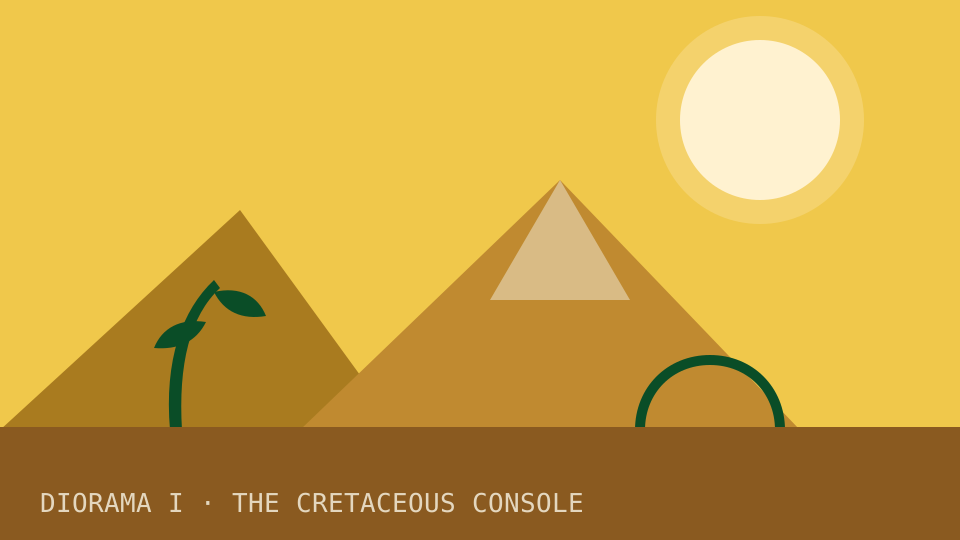
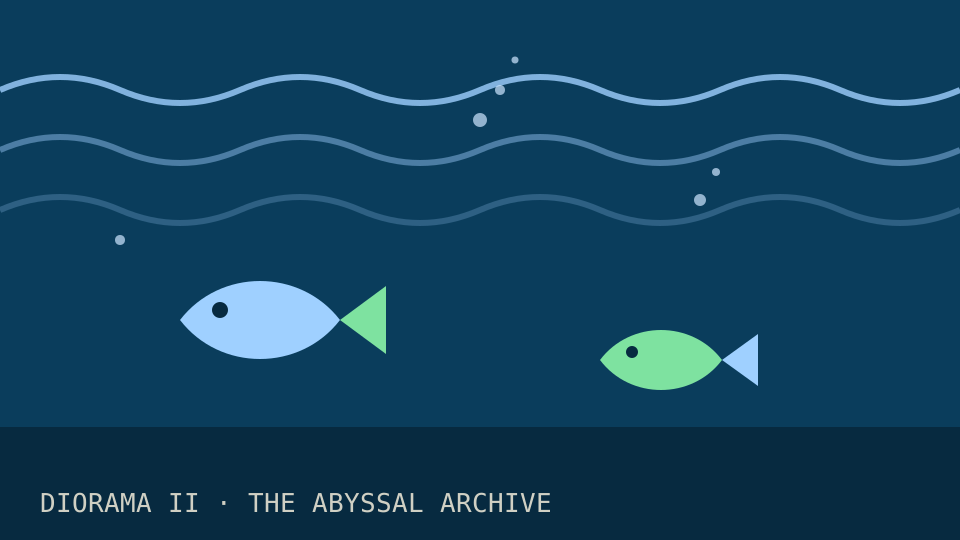
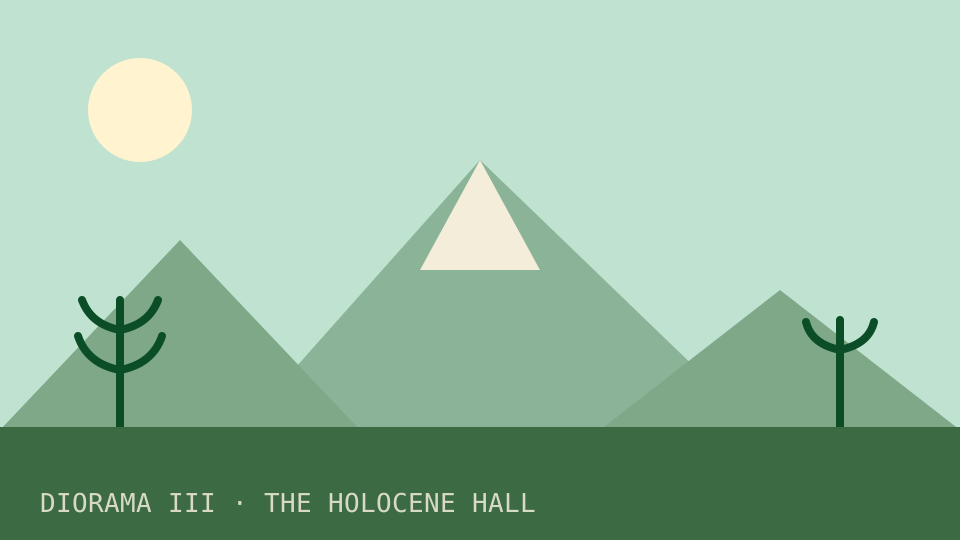
Three dioramas on a scroll-snapping reel, steered by ordinary <a href="#…"> links. scroll-behavior: smooth supplies the glide, scroll-snap supplies the landing, :target frames the current scene. The same smooth glide carried you down this whole page.

  • press I / II / III — the reel glides, then snaps
  • swipe or drag it yourself; it still lands square

Field reports Baseline · widely available

Chrome 61+Edge 79+ Firefox 36+Safari 15.4+

caniuse: scroll-behavior →
The markup itself a <details>
<div class="reel"> <!-- scroll-snap-type: x mandatory -->
  <figure id="dio-1"></figure></div>
<a href="#dio-2">II</a>

Anchors scrolling a snap container — the carousel your grandfather’s HTML could’ve built.

Nº 12

contenteditable The Living Placard

graffiti permitted · spellcheck included ● alive

ACCESSION EDT-005 · HTML Living Standard · older than most frameworks

One attribute and the placard becomes an editable rich-text surface — cursors, selections, undo history, paste handling, the lot. spellcheck rides along and underlines your crimes in the browser’s own red.

  • click the placard and rewrite it — go on, it’s allowed
  • misspell something; watch the browser object
  • undo works: ⌘Z / Ctrl+Z

Field reports Baseline · genuinely ancient

Every engine · since ~2000 plaintext-only: Chrome · Safari

caniuse: contenteditable →
The markup itself a <details>
<div contenteditable="true" spellcheck="true">
  Rewrite me.
</div>

▌gallery placard · editable since the turn of the century

SPECIMEN Nº 12. This placard describes itself. It admits, reluctantly, that visitors may edit it — and that the browser will spellcheck whatever they write. Please do not label the trilobite “mid”.

Rich editing, undo, paste, spellcheck — from a single attribute. No editor library harmed.

Nº 13

The Cabinet of Small Wonders

a drawer of pinned miniatures ● alive

ACCESSION MISC-∞ · HTML Living Standard · assorted

The specimens too small for their own rooms — each still alive, each still interactive or meaning-bearing. Hover, type, open, count.

  • hover the abbreviation · type in the search box
  • open the tiny drawer · read the countdown list

Field reports Baseline · bedrock

Everything, everywhere

The markup a <details> describing <details>
<abbr title="HyperText Markup Language">HTML</abbr>
<ol reversed start="5"></ol>
<output for="a b">7</output>
<abbr>HTML — hover me
<kbd>press +F — rendered natively
<mark>this line is marked for review
<time>landed
<samp>program says: 0 scripts found
<output>form total: 3 + 4 = 7
<ol reversed>
  1. ready
  2. set
  3. markup
type="search"
<ruby>biāo annotated
<wbr>supercalifragilisticexpialidocious
<q> · <dfn>native means shipped with the browser
<details>
one more drawer
Solo <details> — no name, opens freely.
<sup>/<sub>E=mc² · H₂O — typeset natively
<bdi>مرحبا isolated direction

Fourteen more elements, each doing its small job exactly as specified. No enhancement required.

The basement

Restricted collection · specimen retired · do not resurrect

The <marquee> element: deprecated, unloved, and — as demonstrated — annoyingly still functional. HTML giveth, and HTML refuseth to taketh away.

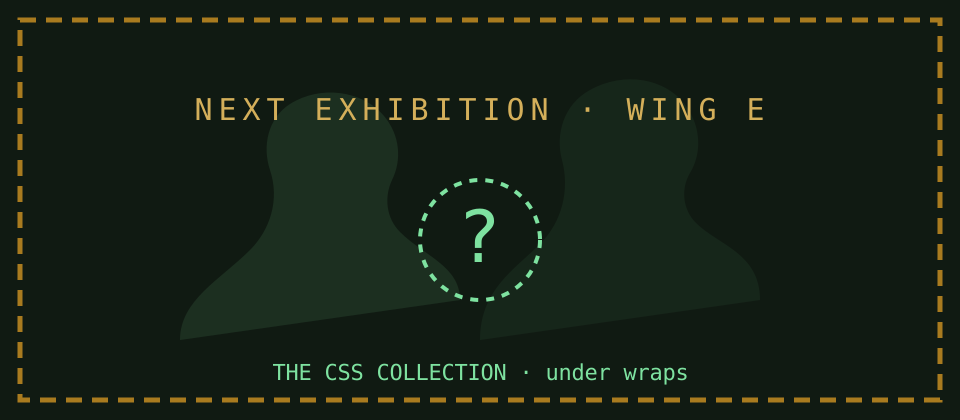
A covered exhibition banner reading: Next exhibition, Wing E — The CSS Collection, under wraps.
And yes — this teaser banner rode down here lazily too. It wasn’t fetched until you wandered near the basement. (loading="lazy", Nº 06’s manners.)
Get started with Devin CLI